Anaconda Platform (Cloud) audit logs are currently available through a limited early access program.
Viewing audit logs
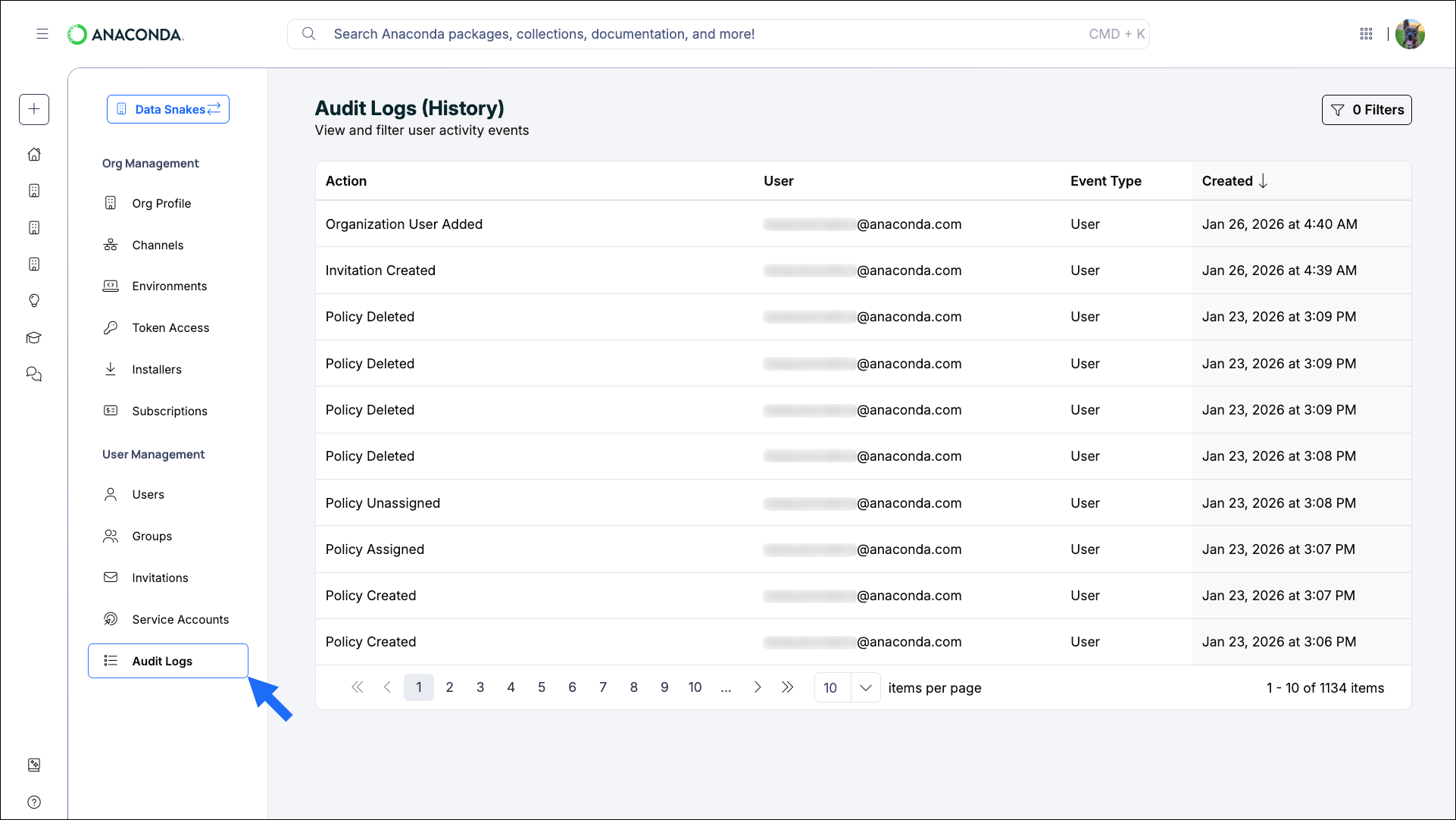
To view your audit logs:- Sign in to Anaconda.com.
- Navigate to your Organizations page.
- Select the organization you want to view audit logs for.
- Under User Management, select Audit Logs.
Actions captured in system history
Actions captured in system history
Audit Logs Actions
Audit Logs Actions
Channels Actions
Channels Actions
Organizations Actions
Organizations Actions
Users Actions
Users Actions
Filtering audit logs
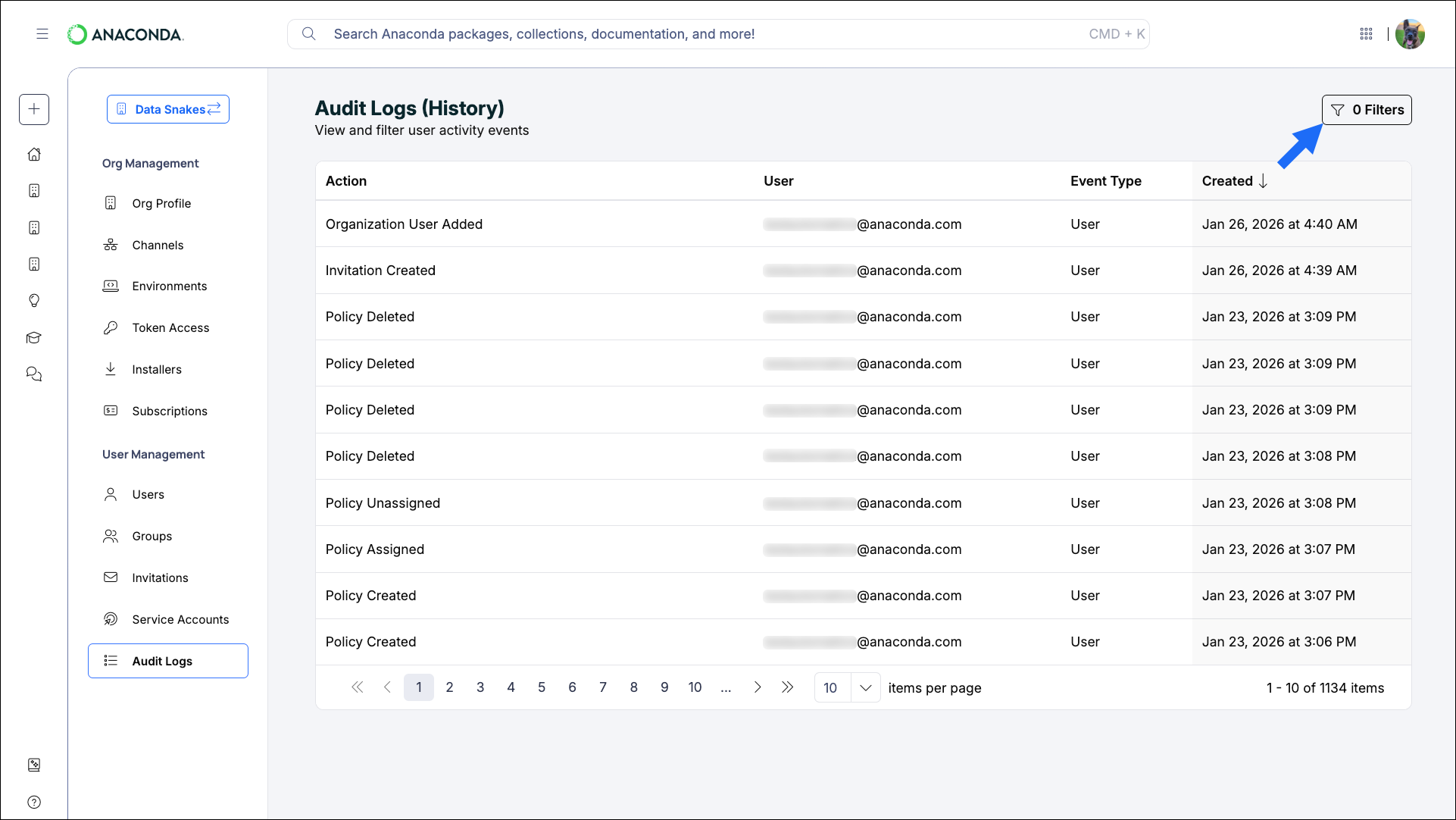
Apply filters to the audit logs to view specific actions taken by specific users. Click Filters to open the filters pane.