

Key features
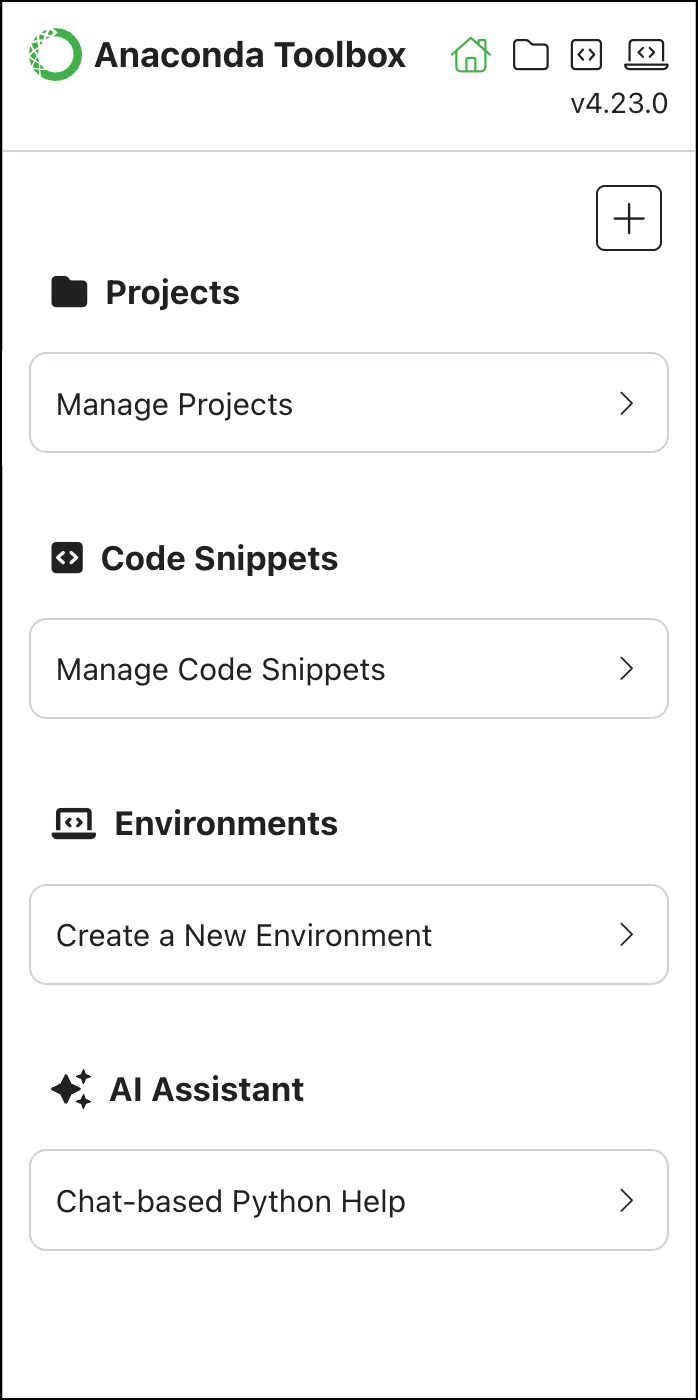
Manage Projects
Create and organize projects with secure cloud storage, team sharing, and cross-platform access.
Build Code Snippets
Write reusable code blocks that sync across notebooks, Excel workbooks, and team projects.
Choose Your Environment
Start with pre-configured environments loaded with popular data science packages.
Get AI Assistance
Write, analyze, and debug code with Anaconda’s AI Assistant directly in your notebooks.
Getting started
Open Anaconda Toolbox
Launch Anaconda Notebooks and select the left-side Anaconda Toolbox icon.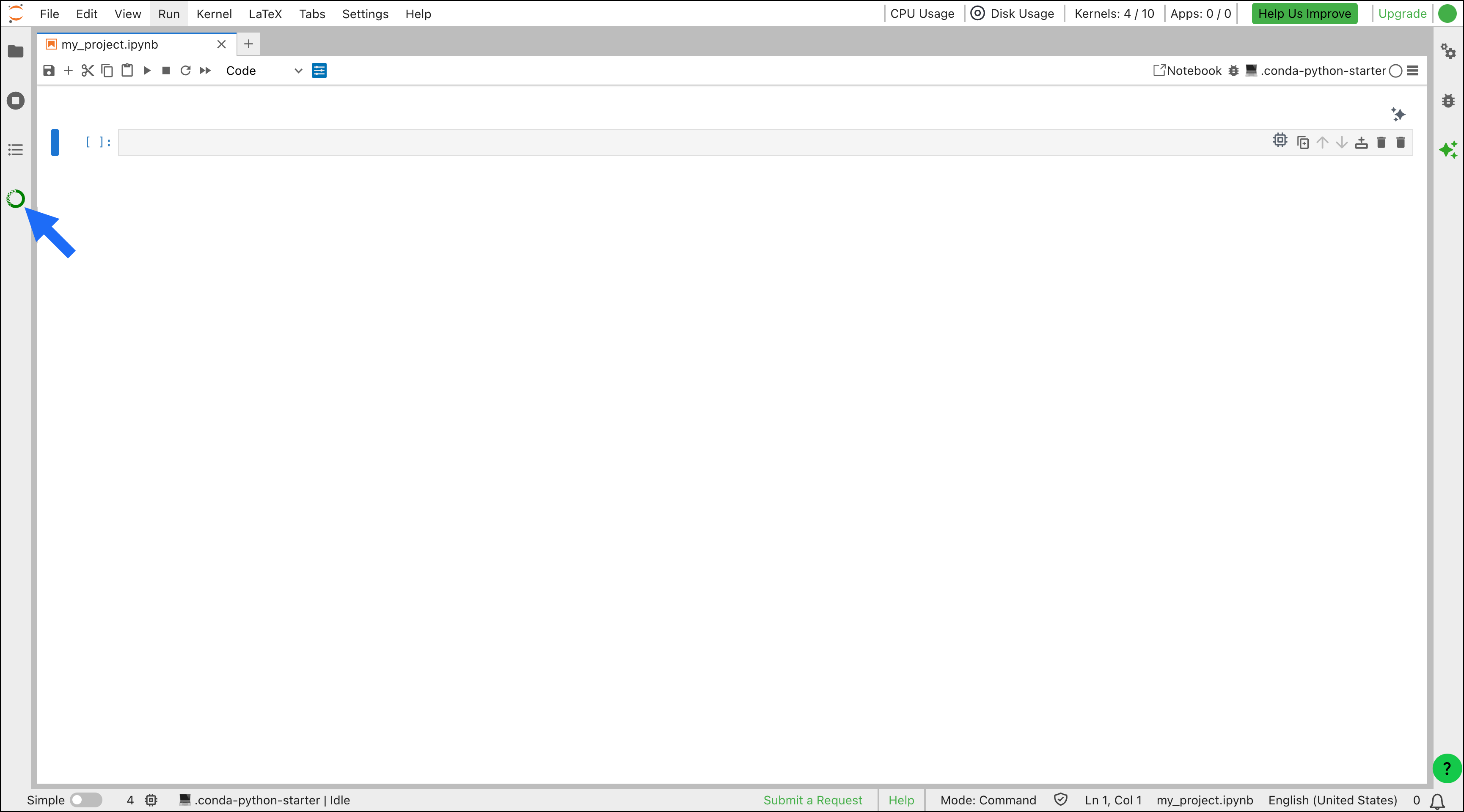
Create or Join a Project
Start a new project for your work or join an existing team project.
Choose Your Runtime or Environment
Select a runtime or quick start environment that matches your project needs.
Quick start environments are only available in the local version of Toolbox.
Start Coding
Begin writing code with the AI Assistant and save useful code snippets for future use.
Sync and Share Your Work
Sync your project to Anaconda’s cloud storage to share your work with teammates or access it with Anaconda Toolbox in Excel!