
NOW IN OPEN BETA
Anaconda Desktop
Get environments, models, and endpoints in one place, with security and governance built in.
Built for How You Actually Work
AI models, Python environments, apps, and endpoints. One local interface.
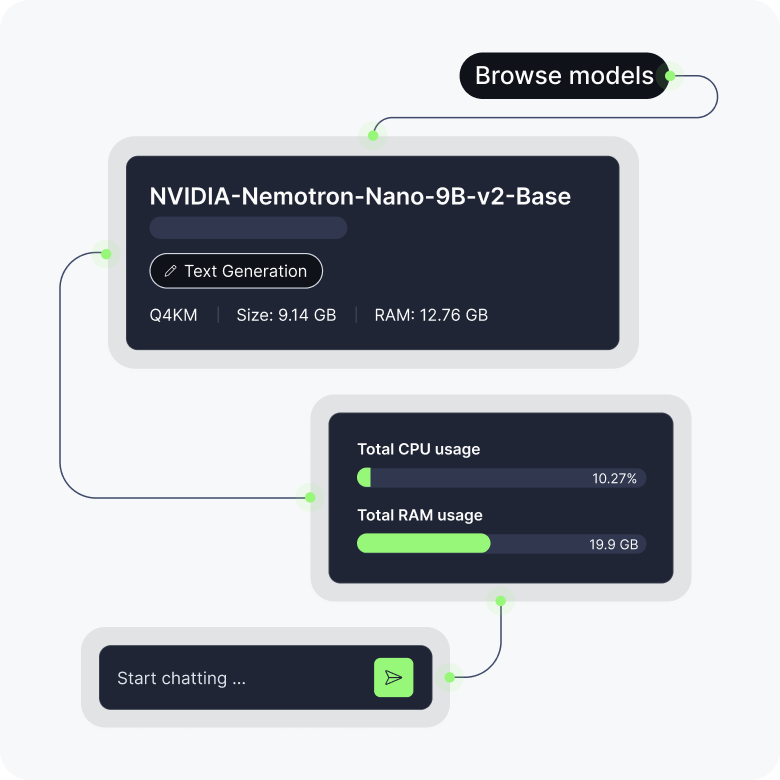
Find the right AI model for the job
Browse enterprise-ready AI models, pre-vetted for security and licensing. Filter by task, hardware compatibility, quantization, and RAM requirements to find models that actually run on your machine, not ones you have to troubleshoot. Compare benchmarks side-by-side and start chatting or serving in minutes.
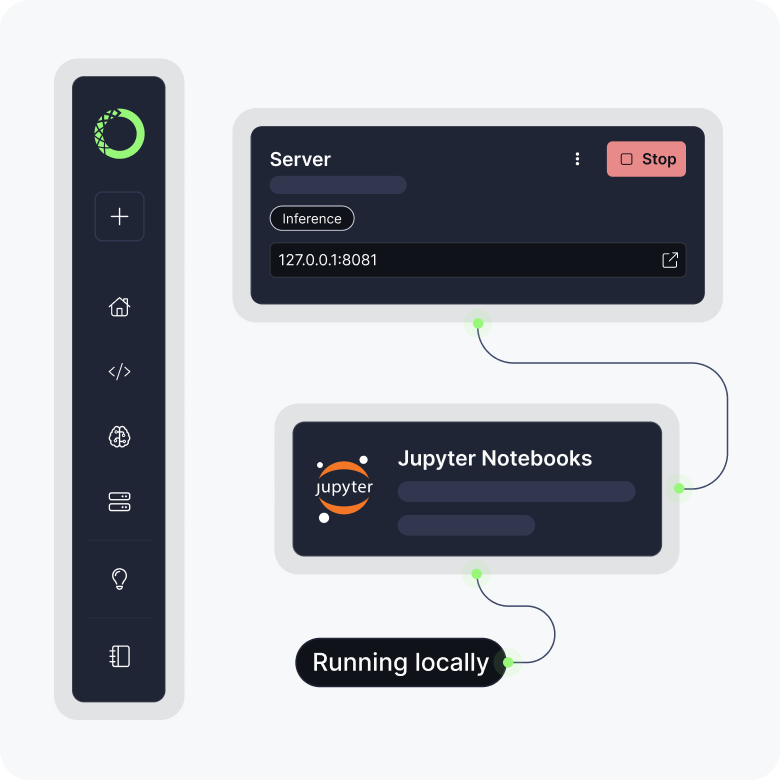
Build and run locally
Spin up API endpoints from any downloaded model with one click. Connect to your applications, monitor CPU and RAM utilization, and view server logs—all without cloud API costs, and without data leaving your machine. Prototype and iterate locally, then deploy when you’re ready.
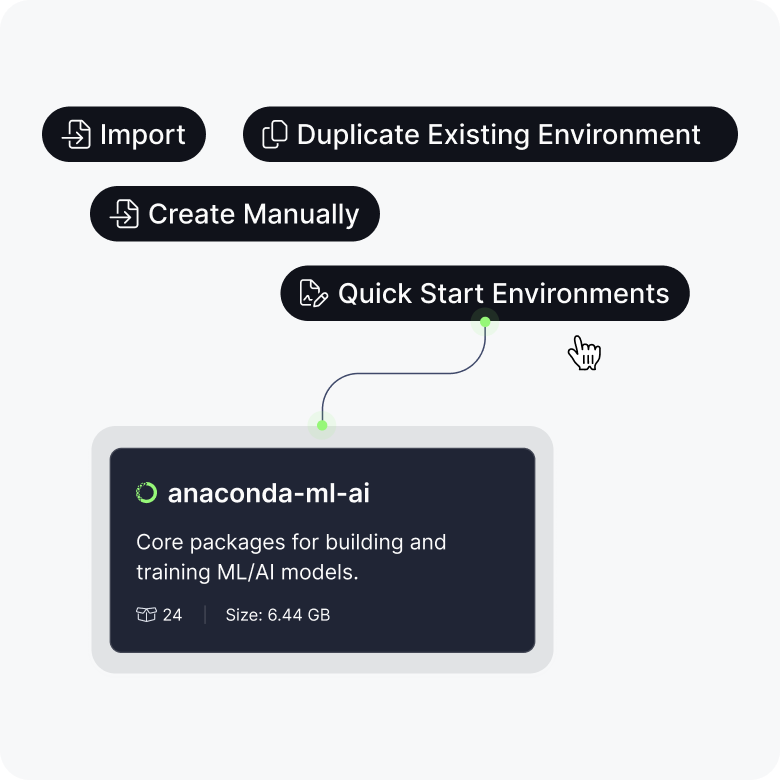
Keep projects clean and reproducible
Create, clone, and manage conda environments from a GUI instead of the command line. Start building immediately with ready-to-use environments or build your own from scratch. Search and install packages without leaving the interface. And with import and export configs, you can keep projects reproducible across machines—no manual setup required.
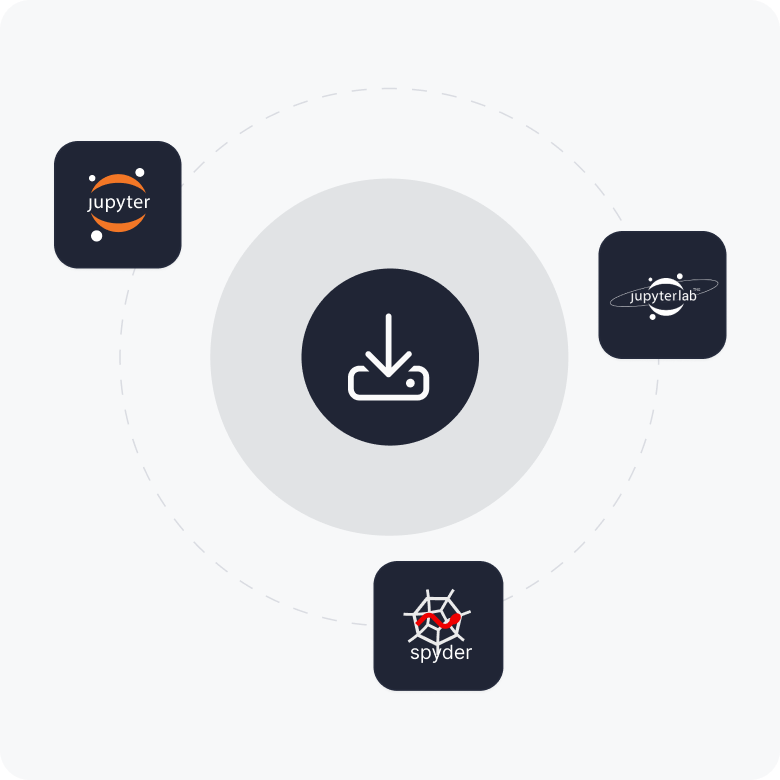
Launch your favorite tools
Open Jupyterlab, Spyder, and other applications directly from Desktop. Install, update, and manage your applications alongside your environments and AI models, all from one interface.
Try Out the Desktop Beta
Free to download. Models, environments, and endpoints in one place.
Anaconda Desktop Frequently Asked Questions
What is Anaconda Desktop?
Anaconda Desktop is a free desktop application for local AI development. It provides a curated AI model catalog, local model inference, environment and package management, and application launching, all in a single interface.
How does Desktop differ from Anaconda Navigator?
Anaconda Desktop retains Navigator’s environment management and application launching capabilities and adds AI model discovery and local model servers.
What AI models are available in Anaconda Desktop?
Anaconda Desktop includes a curated model catalog with models vetted for security and licensing. You can browse and filter models by task, hardware compatibility, quantization format, and RAM requirements.
Can Anaconda Desktop help me choose a model?
Yes. Desktop lets you compare models side-by-side across benchmarks for reasoning, math, code, and function calling. You can filter by hardware requirements, license type, and task to find models that match your use case and machine.
Does my data stay local when using Anaconda Desktop?
Yes. All inference runs on your machine. Your prompts, outputs, and data never leave your device.
Can I manage conda environments in Anaconda Desktop?
Yes. Anaconda Desktop provides a graphical interface for creating, cloning, and managing conda environments.
What applications can I launch from Anaconda Desktop?
You can launch JupyterLab, Spyder, and other supported applications directly from Desktop. Applications are installed and managed alongside your environments and AI models.