

- Responding to newly disclosed vulnerabilities by identifying which packages in your environments contain affected components
- Satisfying audit and regulatory reporting obligations
- Reviewing the contents of software before approving it for use in your organization
Viewing a package’s SBOM
From the package details view, click on a file’s name, then click the File SBOM tab.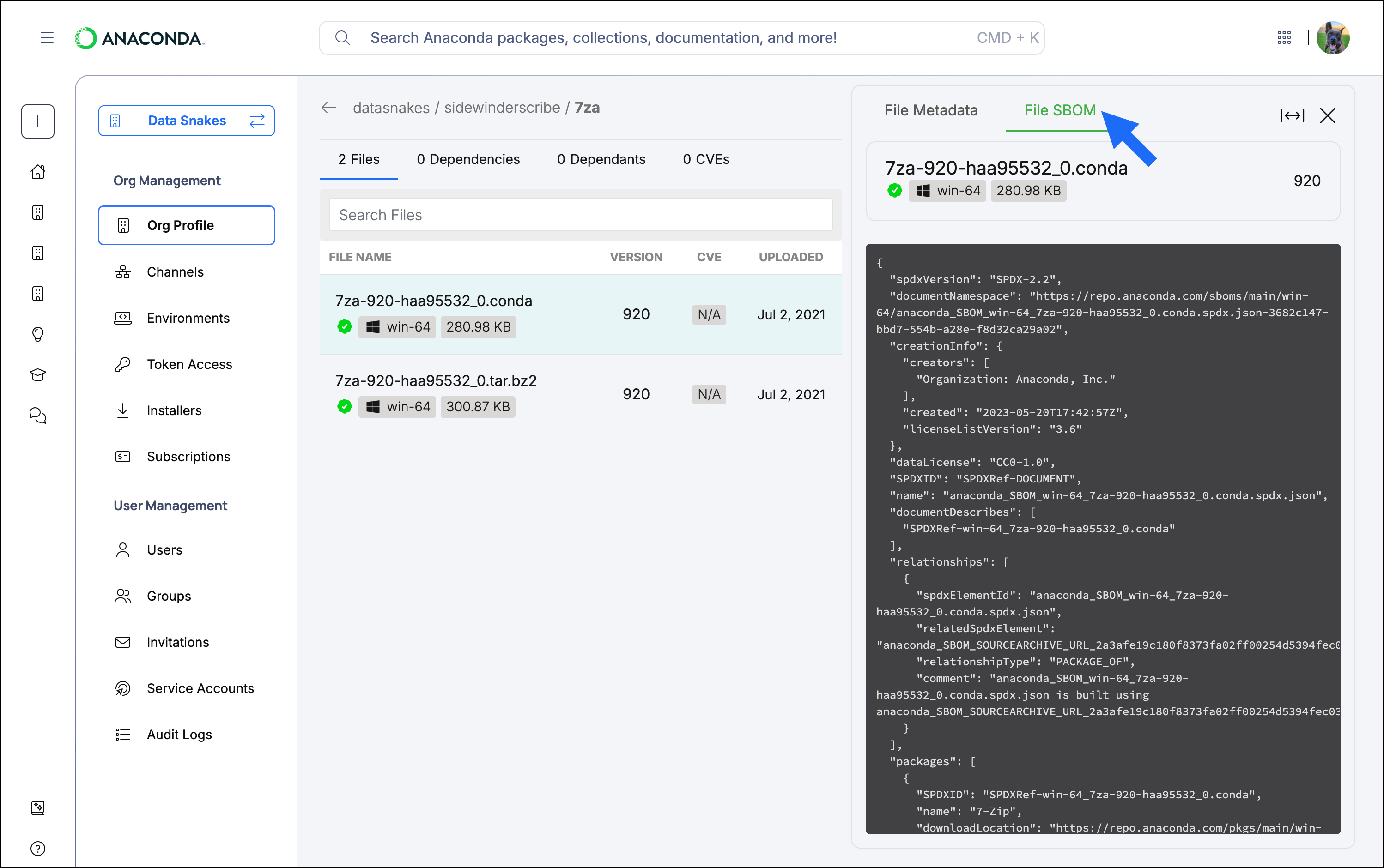
If no SBOM tab appears, there is no SBOM for that package file.
Downloading SBOMs programmatically
For compliance workflows that need SBOMs at scale, the SBOM API provides programmatic access to the SBOMs Anaconda has on file for packages on themain and main-x channels. Look up a package by its SHA256 hash, or by its name, channel, platform, and version together. The SBOM API is available to members of organizations with a Business subscription.
For more information, see SBOM API.