> ## Documentation Index
> Fetch the complete documentation index at: https://anaconda.com/docs/llms.txt
> Use this file to discover all available pages before exploring further.
# Connecting Navigator to Anaconda.com
A free Anaconda Cloud account gives you access to cloud backups for your environments and access to Anaconda's cloud notebooks and free learning resources.
## Creating an account
[Sign up for an Anaconda.com account](https://auth.anaconda.com/ui/registration)
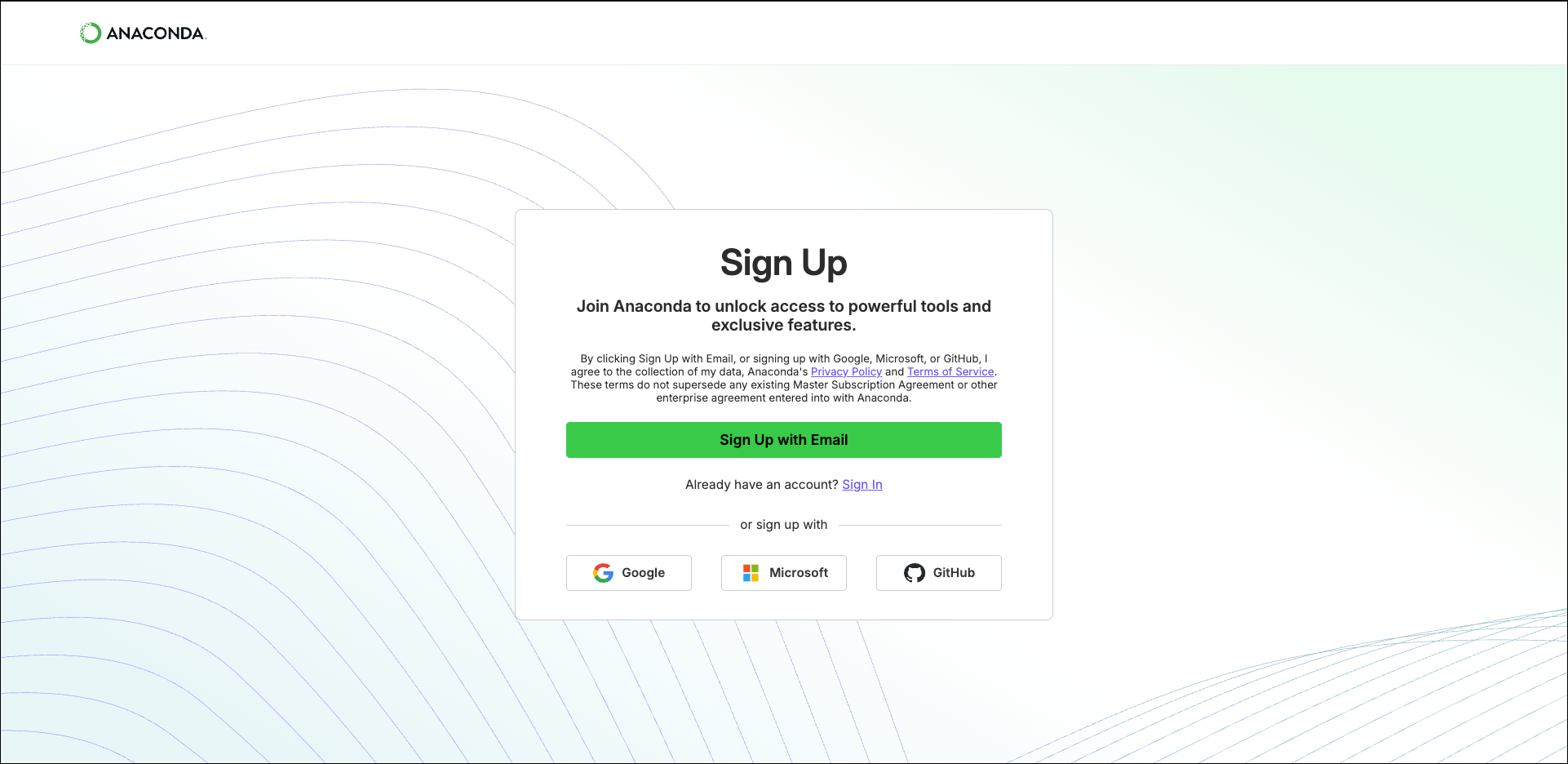 1. Click **Sign Up with Email**.
2. Enter your email address and a password that meets the password requirements.
3. Check your email for a verification message.
4. Click the verification link in your message to complete account verification.
5. (Optional) Complete the user survey. This survey helps Anaconda get to know you as a user and improve your experience in the future.
1. Click the button for the service you want to use to authenticate.
2. Follow the on-screen instructions.
If your organization has [configured Single Sign-On](/anaconda-platform/cloud/admin/integrations/esso) (SSO) for your email domain, you'll be redirected to your organization's SSO login page.
## Connecting Anaconda.com to Navigator
Once you have become an Anaconda.com organization member, [Sign in to Anaconda.com](https://auth.anaconda.com/ui/login?return_to=https://anaconda.com/app/) from Navigator. To connect Navigator to Anaconda.com:
1. At the top of the Navigator window, click **Connect**.
2. In the **Connect** dropdown, click **Sign in** by **Anaconda Cloud**.
Anaconda.com is the new name for Anaconda Cloud. By signing in to Anaconda Cloud, you are gaining access to your Anaconda.com organization channels.
3. Enter the email address and password associated with your Anaconda.com account or connect via a GitHub, Google, or Microsoft account.
4. Click **Sign in**.
1. Click **Sign Up with Email**.
2. Enter your email address and a password that meets the password requirements.
3. Check your email for a verification message.
4. Click the verification link in your message to complete account verification.
5. (Optional) Complete the user survey. This survey helps Anaconda get to know you as a user and improve your experience in the future.
1. Click the button for the service you want to use to authenticate.
2. Follow the on-screen instructions.
If your organization has [configured Single Sign-On](/anaconda-platform/cloud/admin/integrations/esso) (SSO) for your email domain, you'll be redirected to your organization's SSO login page.
## Connecting Anaconda.com to Navigator
Once you have become an Anaconda.com organization member, [Sign in to Anaconda.com](https://auth.anaconda.com/ui/login?return_to=https://anaconda.com/app/) from Navigator. To connect Navigator to Anaconda.com:
1. At the top of the Navigator window, click **Connect**.
2. In the **Connect** dropdown, click **Sign in** by **Anaconda Cloud**.
Anaconda.com is the new name for Anaconda Cloud. By signing in to Anaconda Cloud, you are gaining access to your Anaconda.com organization channels.
3. Enter the email address and password associated with your Anaconda.com account or connect via a GitHub, Google, or Microsoft account.
4. Click **Sign in**.